headerLogoImg
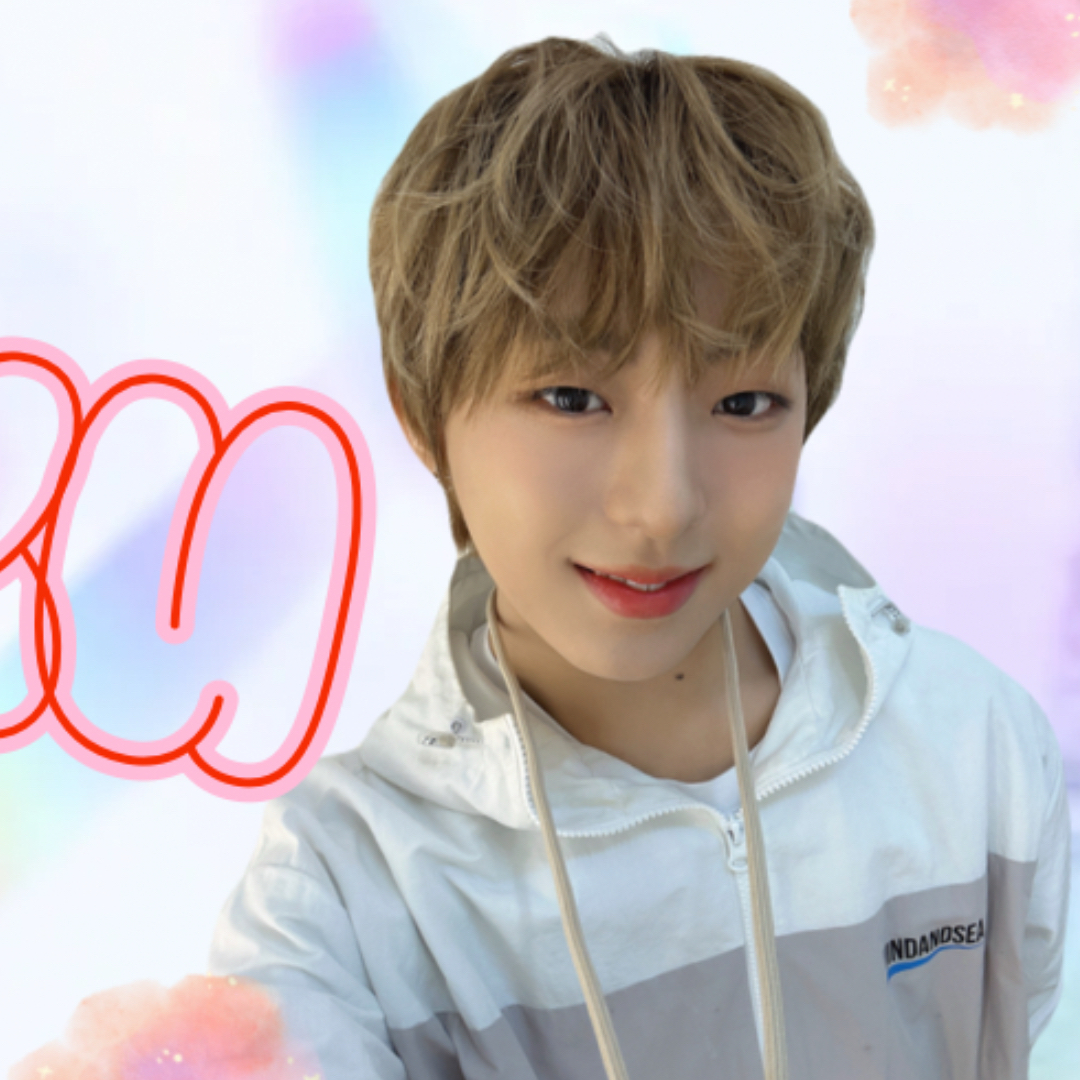
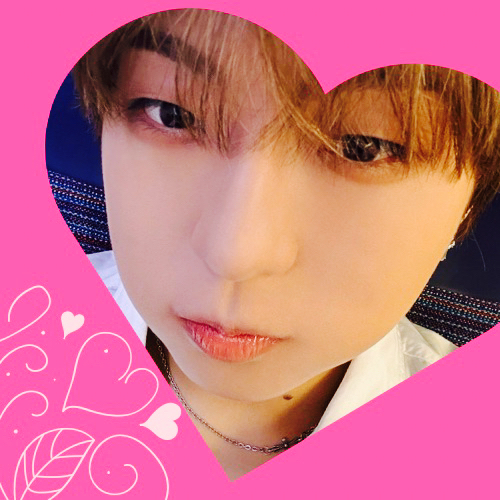
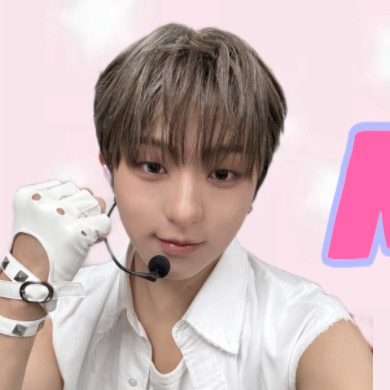
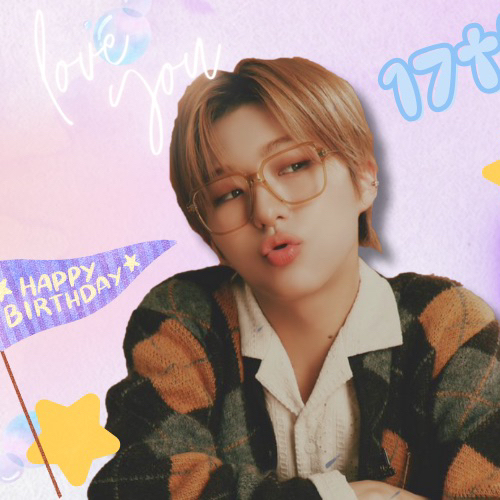
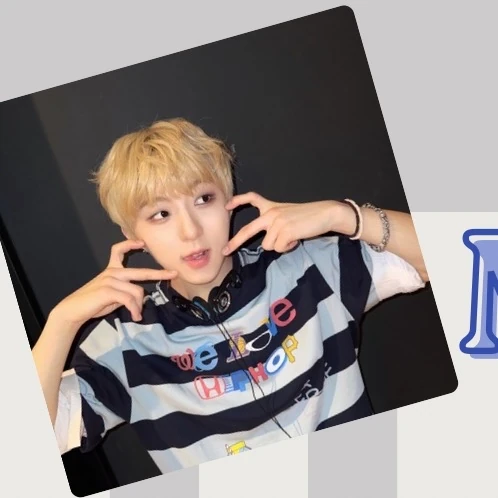
ミラク (NouerA)への愛が詰まった人気写真
ミラク (NouerA)へのファンの熱い想いが込められた人気写真です。
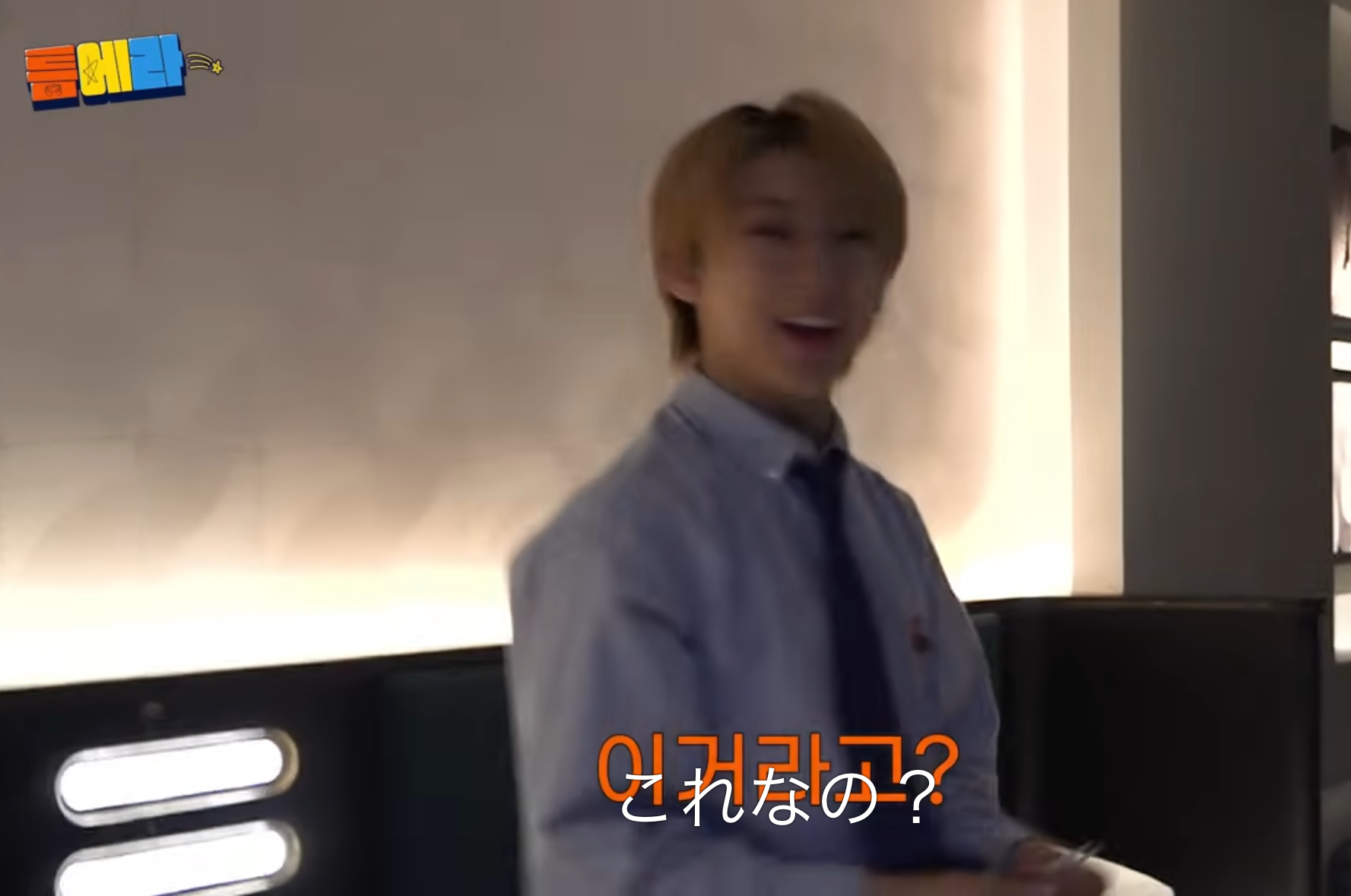
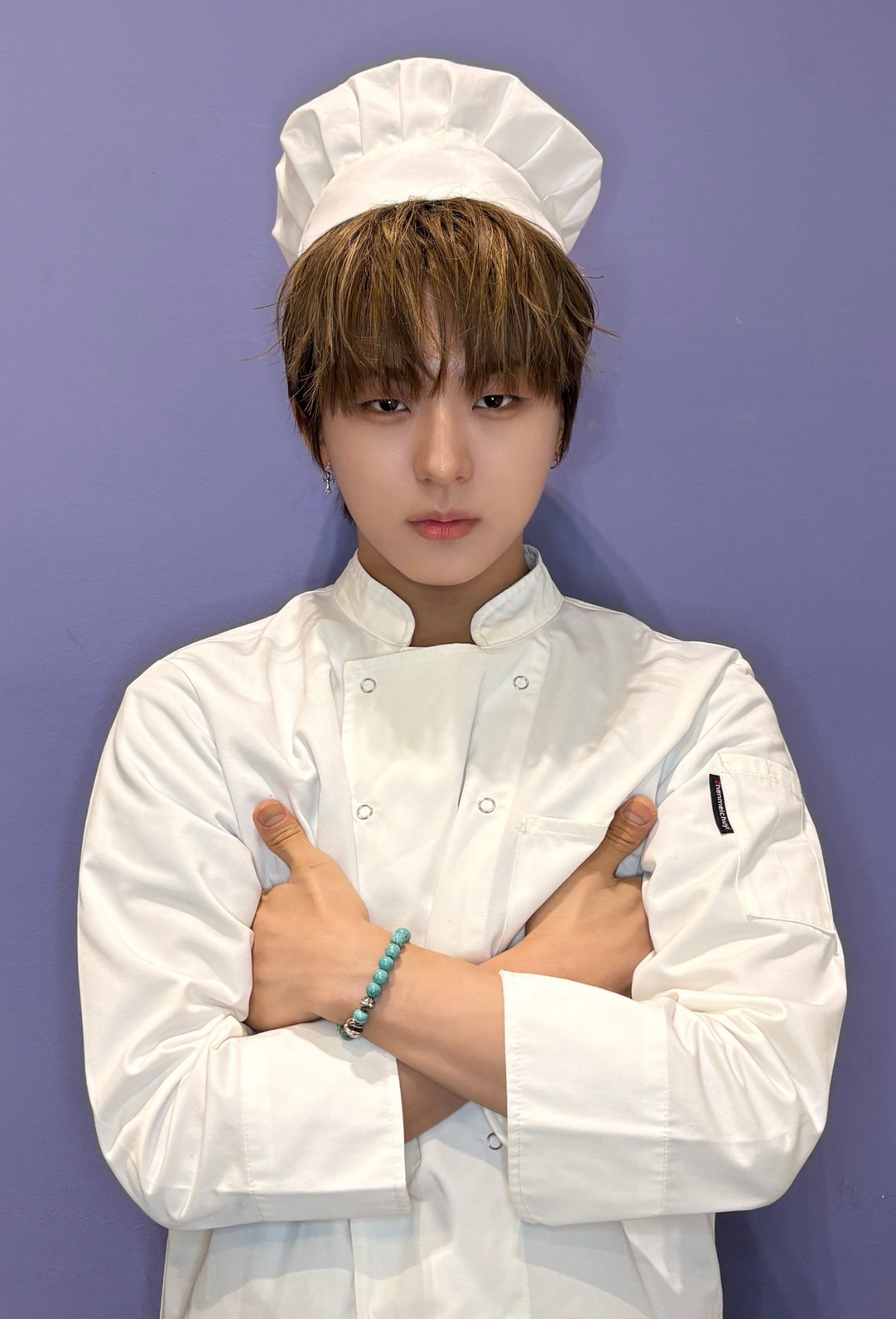
ファンが選んだミラク (NouerA)最高の瞬間
ファンが選んだミラク (NouerA)の特別な瞬間を紹介します。
ファンが選んだミラク (NouerA)最高の瞬間
ファンが選んだミラク (NouerA)の特別な瞬間を紹介します。
ミラク (NouerA)の最新プロフィール写真
ファンが作ったミラク (NouerA)のプロフィール写真です。

ミラク

NouerA

コミュニティ

待ち受け画像

user_profile
user_profile_level

miisuke

2026年2月20日 22:59

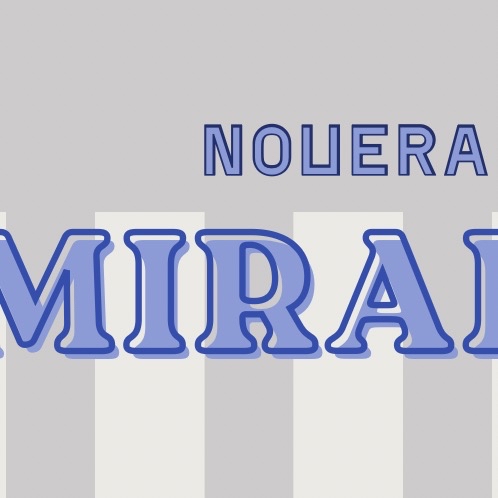
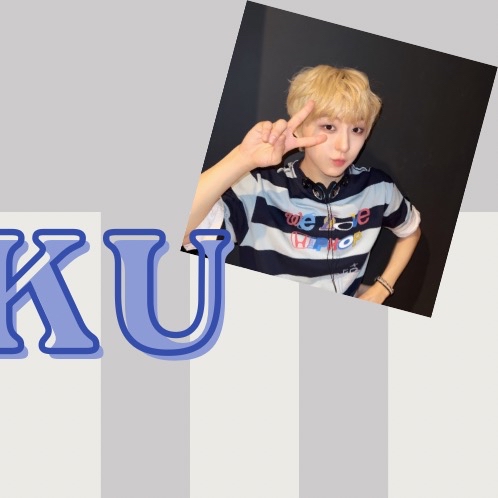
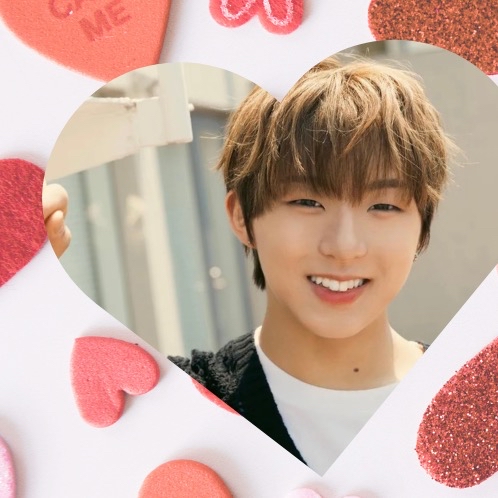
【banner 1】 ⬇️バナーの作り方やハートをもらう仕組みを知りたい方へ《English below》 For those who want to know how to make banners and how to get hearts. An English version of this post is available in Banner 2 post. こんにちは! 知りたい方もいらっしゃるかと思い、初心者の方向け解説をのせてみます☺️ 間違いがあったらごめんなさい🙏 つくる人は決まっておらず、現在バナーはどなたか一番初めに投稿した方のものがその日のバナーという感じになっているので、ぜひ自由につくって気軽に投稿してください☺️ 🌟正方形の画像はハートの多い順に左から並びます。そのシステムをつかって、三分割したバナーを投稿し、左からハートが多くなるようにすればバナーをつくることができます。 🌟その後バナーを維持したい場合、バナーの正方形投稿が正しい順番になるようにハート数を調整する必要があります。基本バナー1にハートをいれてもらえたら間違いないです!(いいねは順番の反映なしなのでし放題です👍) 🌟正方形の投稿をするとボーナス100❤️がもらえますが、そのままにしてハートが入ってしまうとバナーが崩れることがあるため、 ハート目的のためだけであれば、正方形画像を投稿して❤️をもらったらすぐに消すという方法があるようです👀 🌟逆にシェアして残したい画像がある場合、縦長画像や、正方形なら少し削るなど比率を変えて投稿をすれば、ハートをもらってもバナーには反映されません🙆‍♀️ 崩れても気にしませんし、全く強制ではありませんので、こういうの知りたかった!やってみたい!という方はご参考になさってください😘 質問があればお気軽にどうぞ🍀
icon_hearts
300
icon_likes
0
コメント
0
user_profile
user_profile_level

miisuke

2026年2月20日 22:58

【banner 2】 Hello! I'll try to put up an explanation for beginners. Sorry if there are any mistakes 🙏 🌟Square images are displayed in order of most hearts from the left.You can create a banner by using that system and posting a three-part banner, with more hearts from the left. 🌟If you want to keep the banner, you need to choose a square post that adds hearts.(Likes 👍 are not reflected in the display) 🌟 Post a square and you'll get a bonus 100❤️, but the banner can be broken if you get more hearts on that post. So, if it is only for heart purposes, you can post a square and delete it as soon as you receive ❤️. 🌟If you have an image you want to share and keep, if you post an image with a ratio other than square, the banner will not reflect it, even if you get hearts. I don't mind if the banner is broken and I don't intend to enforce it. If you wanted to know or try something like this, please refer to this post. If you have any questions, feel free to ask! Thank you.
icon_hearts
0
icon_likes
0
コメント
0
user_profile
user_profile_level

miisuke

2026年2月20日 22:58

【banner 3】
icon_hearts
0
icon_likes
0
コメント
0
user_profile
user_profile_level

miisuke

2026年2月13日 13:28

【banner 1】 ⬇️バナーの作り方やハートをもらう仕組みを知りたい方へ《English below》 For those who want to know how to make banners and how to get hearts. An English version of this post is available in Banner 2 post. こんにちは! 知りたい方もいらっしゃるかと思い、初心者の方向け解説をのせてみます☺️ 間違いがあったらごめんなさい🙏 つくる人は決まっておらず、現在バナーはどなたか一番初めに投稿した方のものがその日のバナーという感じになっているので、ぜひ自由につくって気軽に投稿してください☺️ 🌟正方形の画像はハートの多い順に左から並びます。そのシステムをつかって、三分割したバナーを投稿し、左からハートが多くなるようにすればバナーをつくることができます。 🌟その後バナーを維持したい場合、バナーの正方形投稿が正しい順番になるようにハート数を調整する必要があります。基本バナー1にハートをいれてもらえたら間違いないです!(いいねは順番の反映なしなのでし放題です👍) 🌟正方形の投稿をするとボーナス100❤️がもらえますが、そのままにしてハートが入ってしまうとバナーが崩れることがあるため、 ハート目的のためだけであれば、正方形画像を投稿して❤️をもらったらすぐに消すという方法があるようです👀 🌟逆にシェアして残したい画像がある場合、縦長画像や、正方形なら少し削るなど比率を変えて投稿をすれば、ハートをもらってもバナーには反映されません🙆‍♀️ 崩れても気にしませんし、全く強制ではありませんので、こういうの知りたかった!やってみたい!という方はご参考になさってください😘 質問があればお気軽にどうぞ🍀
icon_hearts
0
icon_likes
8
コメント
0
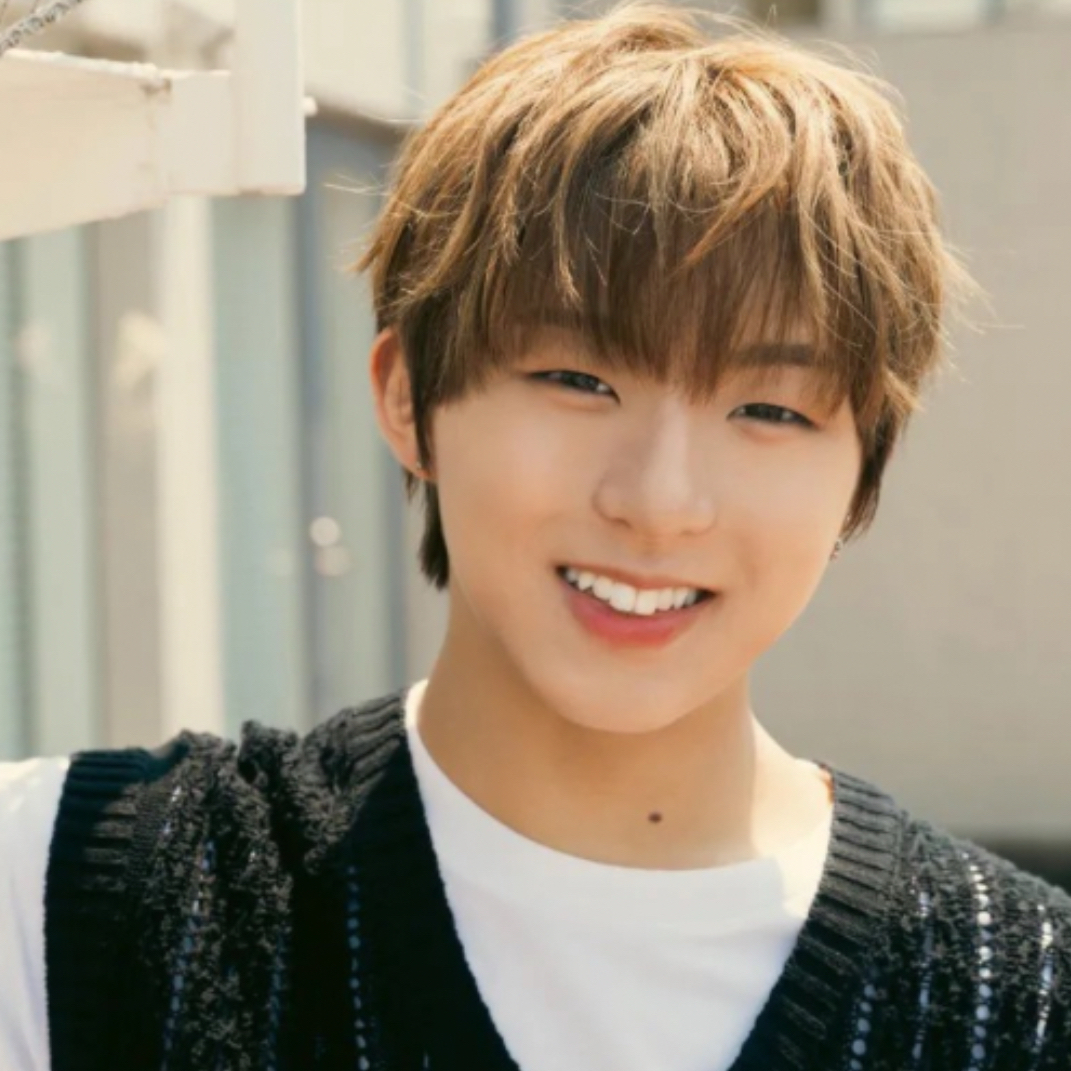
user_profile
user_profile_level

miisuke

2026年2月13日 13:28

【banner 2】 Hello! I'll try to put up an explanation for beginners. Sorry if there are any mistakes 🙏 🌟Square images are displayed in order of most hearts from the left.You can create a banner by using that system and posting a three-part banner, with more hearts from the left. 🌟If you want to keep the banner, you need to choose a square post that adds hearts.(Likes 👍 are not reflected in the display) 🌟 Post a square and you'll get a bonus 100❤️, but the banner can be broken if you get more hearts on that post. So, if it is only for heart purposes, you can post a square and delete it as soon as you receive ❤️. 🌟If you have an image you want to share and keep, if you post an image with a ratio other than square, the banner will not reflect it, even if you get hearts. I don't mind if the banner is broken and I don't intend to enforce it. If you wanted to know or try something like this, please refer to this post. If you have any questions, feel free to ask! Thank you.
icon_hearts
0
icon_likes
3
コメント
0
user_profile
user_profile_level

miisuke

2026年2月13日 13:28

【banner 3】
icon_hearts
0
icon_likes
4
コメント
0
user_profile
user_profile_level

Kim Sun Ri

2026年2月13日 10:00

icon_hearts
0
icon_likes
1
コメント
0
user_profile
user_profile_level

Kim Sun Ri

2026年2月13日 09:59

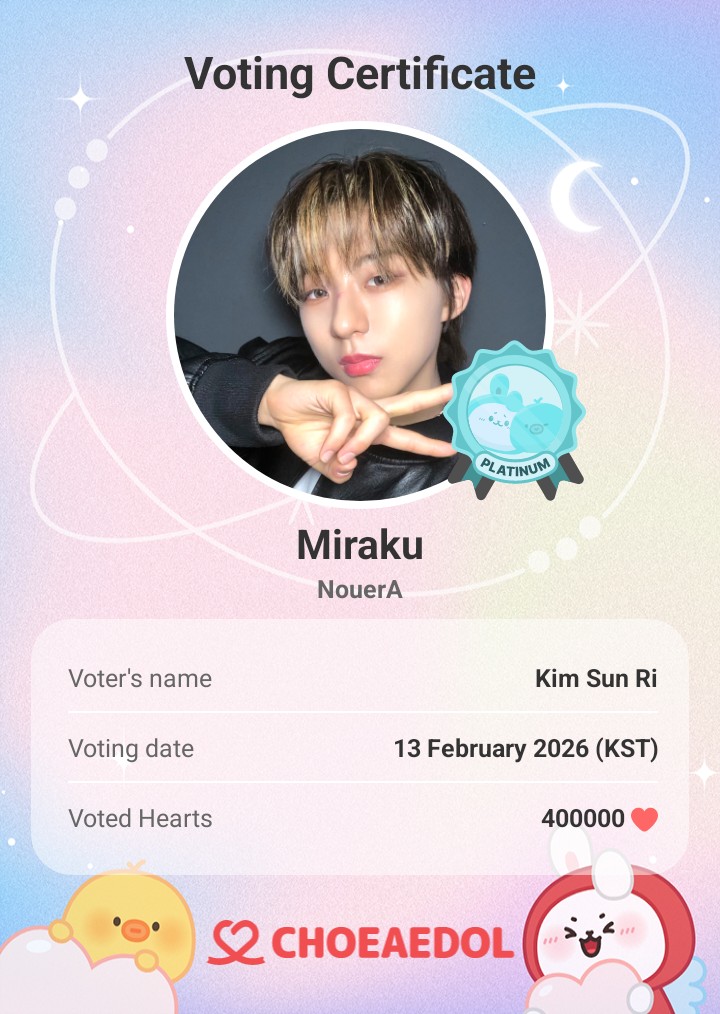
HAPPY BIRTHDAY MIRAKU 🎂🎂🎁
icon_hearts
0
icon_likes
1
コメント
0
user_profile
user_profile_level

Kim Sun Ri

2025年12月30日 09:48

icon_hearts
0
icon_likes
2
コメント
0

user_profile
user_profile_level

Kim Sun Ri

2025年12月30日 09:45

icon_hearts
0
icon_likes
1
コメント
0
user_profile
user_profile_level

miisuke

2025年12月25日 21:02

【banner 1】 ⬇️バナーの作り方やハートをもらう仕組みを知りたい方へ《English below》 For those who want to know how to make banners and how to get hearts. An English version of this post is available in Banner 2 post. こんにちは! 知りたい方もいらっしゃるかと思い、初心者の方向け解説をのせてみます☺️ 間違いがあったらごめんなさい🙏 つくる人は決まっておらず、現在バナーはどなたか一番初めに投稿した方のものがその日のバナーという感じになっているので、ぜひ自由につくって気軽に投稿してください☺️ 🌟正方形の画像はハートの多い順に左から並びます。そのシステムをつかって、三分割したバナーを投稿し、左からハートが多くなるようにすればバナーをつくることができます。 🌟その後バナーを維持したい場合、バナーの正方形投稿が正しい順番になるようにハート数を調整する必要があります。基本バナー1にハートをいれてもらえたら間違いないです!(いいねは順番の反映なしなのでし放題です👍) 🌟正方形の投稿をするとボーナス100❤️がもらえますが、そのままにしてハートが入ってしまうとバナーが崩れることがあるため、 ハート目的のためだけであれば、正方形画像を投稿して❤️をもらったらすぐに消すという方法があるようです👀 🌟逆にシェアして残したい画像がある場合、縦長画像や、正方形なら少し削るなど比率を変えて投稿をすれば、ハートをもらってもバナーには反映されません🙆‍♀️ 崩れても気にしませんし、全く強制ではありませんので、こういうの知りたかった!やってみたい!という方はご参考になさってください😘 質問があればお気軽にどうぞ🍀
icon_hearts
0
icon_likes
4
コメント
1
user_profile
user_profile_level

miisuke

2025年12月25日 21:01

【banner 2】 Hello! I'll try to put up an explanation for beginners. Sorry if there are any mistakes 🙏 🌟Square images are displayed in order of most hearts from the left.You can create a banner by using that system and posting a three-part banner, with more hearts from the left. 🌟If you want to keep the banner, you need to choose a square post that adds hearts.(Likes 👍 are not reflected in the display) 🌟 Post a square and you'll get a bonus 100❤️, but the banner can be broken if you get more hearts on that post. So, if it is only for heart purposes, you can post a square and delete it as soon as you receive ❤️. 🌟If you have an image you want to share and keep, if you post an image with a ratio other than square, the banner will not reflect it, even if you get hearts. I don't mind if the banner is broken and I don't intend to enforce it. If you wanted to know or try something like this, please refer to this post. If you have any questions, feel free to ask! Thank you.
icon_hearts
0
icon_likes
1
コメント
0
user_profile
user_profile_level

miisuke

2025年12月25日 21:01

【banner 3】
icon_hearts
0
icon_likes
0
コメント
0
user_profile
user_profile_level

Kim Sun Ri

2025年11月29日 13:19

icon_hearts
0
icon_likes
0
コメント
0
user_profile
user_profile_level

Kim Sun Ri

2025年11月29日 13:18

icon_hearts
0
icon_likes
0
コメント
0
user_profile
user_profile_level

Kim Sun Ri

2025年11月11日 08:24

icon_hearts
0
icon_likes
0
コメント
0
user_profile
user_profile_level

Kim Sun Ri

2025年11月11日 08:23

icon_hearts
0
icon_likes
0
コメント
0
user_profile
user_profile_level

miisuke

2025年11月7日 16:11

【banner 1】 ⬇️バナーの作り方やハートをもらう仕組みを知りたい方へ《English below》 For those who want to know how to make banners and how to get hearts. An English version of this post is available in Banner 2 post. こんにちは! 知りたい方もいらっしゃるかと思い、初心者の方向け解説をのせてみます☺️ 間違いがあったらごめんなさい🙏 つくる人は決まっておらず、現在バナーはどなたか一番初めに投稿した方のものがその日のバナーという感じになっているので、ぜひ自由につくって気軽に投稿してください☺️ 🌟正方形の画像はハートの多い順に左から並びます。そのシステムをつかって、三分割したバナーを投稿し、左からハートが多くなるようにすればバナーをつくることができます。 🌟その後バナーを維持したい場合、バナーの正方形投稿が正しい順番になるようにハート数を調整する必要があります。基本バナー1にハートをいれてもらえたら間違いないです!(いいねは順番の反映なしなのでし放題です👍) 🌟正方形の投稿をするとボーナス100❤️がもらえますが、そのままにしてハートが入ってしまうとバナーが崩れることがあるため、 ハート目的のためだけであれば、正方形画像を投稿して❤️をもらったらすぐに消すという方法があるようです👀 🌟逆にシェアして残したい画像がある場合、縦長画像や、正方形なら少し削るなど比率を変えて投稿をすれば、ハートをもらってもバナーには反映されません🙆‍♀️ 崩れても気にしませんし、全く強制ではありませんので、こういうの知りたかった!やってみたい!という方はご参考になさってください😘 質問があればお気軽にどうぞ🍀
icon_hearts
0
icon_likes
3
コメント
0
user_profile
user_profile_level

miisuke

2025年11月7日 16:11

【banner 2】 Hello! I'll try to put up an explanation for beginners. Sorry if there are any mistakes 🙏 🌟Square images are displayed in order of most hearts from the left.You can create a banner by using that system and posting a three-part banner, with more hearts from the left. 🌟If you want to keep the banner, you need to choose a square post that adds hearts.(Likes 👍 are not reflected in the display) 🌟 Post a square and you'll get a bonus 100❤️, but the banner can be broken if you get more hearts on that post. So, if it is only for heart purposes, you can post a square and delete it as soon as you receive ❤️. 🌟If you have an image you want to share and keep, if you post an image with a ratio other than square, the banner will not reflect it, even if you get hearts. I don't mind if the banner is broken and I don't intend to enforce it. If you wanted to know or try something like this, please refer to this post. If you have any questions, feel free to ask! Thank you.
icon_hearts
0
icon_likes
1
コメント
0
user_profile
user_profile_level

miisuke

2025年11月7日 16:11

【banner 3】
icon_hearts
0
icon_likes
1
コメント
0
user_profile
user_profile_level

miisuke

2025年10月29日 06:51

【banner 1】 ⬇️バナーの作り方やハートをもらう仕組みを知りたい方へ《English below》 For those who want to know how to make banners and how to get hearts. An English version of this post is available in Banner 2 post. こんにちは! 知りたい方もいらっしゃるかと思い、初心者の方向け解説をのせてみます☺️ 間違いがあったらごめんなさい🙏 つくる人は決まっておらず、現在バナーはどなたか一番初めに投稿した方のものがその日のバナーという感じになっているので、ぜひ自由につくって気軽に投稿してください☺️ 🌟正方形の画像はハートの多い順に左から並びます。そのシステムをつかって、三分割したバナーを投稿し、左からハートが多くなるようにすればバナーをつくることができます。 🌟その後バナーを維持したい場合、バナーの正方形投稿が正しい順番になるようにハート数を調整する必要があります。基本バナー1にハートをいれてもらえたら間違いないです!(いいねは順番の反映なしなのでし放題です👍) 🌟正方形の投稿をするとボーナス100❤️がもらえますが、そのままにしてハートが入ってしまうとバナーが崩れることがあるため、 ハート目的のためだけであれば、正方形画像を投稿して❤️をもらったらすぐに消すという方法があるようです👀 🌟逆にシェアして残したい画像がある場合、縦長画像や、正方形なら少し削るなど比率を変えて投稿をすれば、ハートをもらってもバナーには反映されません🙆‍♀️ 崩れても気にしませんし、全く強制ではありませんので、こういうの知りたかった!やってみたい!という方はご参考になさってください😘 質問があればお気軽にどうぞ🍀
icon_hearts
0
icon_likes
1
コメント
0
user_profile
user_profile_level

miisuke

2025年10月25日 16:45

【banner 2】 Hello! I'll try to put up an explanation for beginners. Sorry if there are any mistakes 🙏 🌟Square images are displayed in order of most hearts from the left.You can create a banner by using that system and posting a three-part banner, with more hearts from the left. 🌟If you want to keep the banner, you need to choose a square post that adds hearts.(Likes 👍 are not reflected in the display) 🌟 Post a square and you'll get a bonus 100❤️, but the banner can be broken if you get more hearts on that post. So, if it is only for heart purposes, you can post a square and delete it as soon as you receive ❤️. 🌟If you have an image you want to share and keep, if you post an image with a ratio other than square, the banner will not reflect it, even if you get hearts. I don't mind if the banner is broken and I don't intend to enforce it. If you wanted to know or try something like this, please refer to this post. If you have any questions, feel free to ask! Thank you.
icon_hearts
0
icon_likes
2
コメント
0
user_profile
user_profile_level

miisuke

2025年10月25日 16:45

【banner 3】
icon_hearts
0
icon_likes
1
コメント
0
user_profile
user_profile_level

miisuke

2025年10月4日 18:19

banner 1】 ⬇️バナーの作り方やハートをもらう仕組みを知りたい方へ《English below》 For those who want to know how to make banners and how to get hearts. An English version of this post is available in Banner 2 post. こんにちは! 知りたい方もいらっしゃるかと思い、初心者の方向け解説をのせてみます☺️ 間違いがあったらごめんなさい🙏 つくる人は決まっておらず、現在バナーはどなたか一番初めに投稿した方のものがその日のバナーという感じになっているので、ぜひ自由につくって気軽に投稿してください☺️ 🌟正方形の画像はハートの多い順に左から並びます。そのシステムをつかって、三分割したバナーを投稿し、左からハートが多くなるようにすればバナーをつくることができます。 🌟その後バナーを維持したい場合、バナーの正方形投稿が正しい順番になるようにハート数を調整する必要があります。基本バナー1にハートをいれてもらえたら間違いないです!(いいねは順番の反映なしなのでし放題です👍) 🌟正方形の投稿をするとボーナス100❤️がもらえますが、そのままにしてハートが入ってしまうとバナーが崩れることがあるため、 ハート目的のためだけであれば、正方形画像を投稿して❤️をもらったらすぐに消すという方法があるようです👀 🌟逆にシェアして残したい画像がある場合、縦長画像や、正方形なら少し削るなど比率を変えて投稿をすれば、ハートをもらってもバナーには反映されません🙆‍♀️ 崩れても気にしませんし、全く強制ではありませんので、こういうの知りたかった!やってみたい!という方はご参考になさってください😘 質問があればお気軽にどうぞ🍀
icon_hearts
0
icon_likes
5
コメント
0
user_profile
user_profile_level

miisuke

2025年10月4日 18:17

【banner 2】 Hello! I'll try to put up an explanation for beginners. Sorry if there are any mistakes 🙏 🌟Square images are displayed in order of most hearts from the left.You can create a banner by using that system and posting a three-part banner, with more hearts from the left. 🌟If you want to keep the banner, you need to choose a square post that adds hearts.(Likes 👍 are not reflected in the display) 🌟 Post a square and you'll get a bonus 100❤️, but the banner can be broken if you get more hearts on that post. So, if it is only for heart purposes, you can post a square and delete it as soon as you receive ❤️. 🌟If you have an image you want to share and keep, if you post an image with a ratio other than square, the banner will not reflect it, even if you get hearts. I don't mind if the banner is broken and I don't intend to enforce it. If you wanted to know or try something like this, please refer to this post. If you have any questions, feel free to ask! Thank you.
icon_hearts
0
icon_likes
3
コメント
0
user_profile
user_profile_level

miisuke

2025年10月4日 18:17

【banner 3】
icon_hearts
0
icon_likes
2
コメント
0
user_profile
user_profile_level

miisuke

2025年9月25日 15:50

【banner 1】 ⬇️バナーの作り方やハートをもらう仕組みを知りたい方へ《English below》 For those who want to know how to make banners and how to get hearts. An English version of this post is available in Banner 2 post. こんにちは! 知りたい方もいらっしゃるかと思い、初心者の方向け解説をのせてみます☺️ 間違いがあったらごめんなさい🙏 つくる人は決まっておらず、現在バナーはどなたか一番初めに投稿した方のものがその日のバナーという感じになっているので、ぜひ自由につくって気軽に投稿してください☺️ 🌟正方形の画像はハートの多い順に左から並びます。そのシステムをつかって、三分割したバナーを投稿し、左からハートが多くなるようにすればバナーをつくることができます。 🌟その後バナーを維持したい場合、バナーの正方形投稿が正しい順番になるようにハート数を調整する必要があります。基本バナー1にハートをいれてもらえたら間違いないです!(いいねは順番の反映なしなのでし放題です👍) 🌟正方形の投稿をするとボーナス100❤️がもらえますが、そのままにしてハートが入ってしまうとバナーが崩れることがあるため、 ハート目的のためだけであれば、正方形画像を投稿して❤️をもらったらすぐに消すという方法があるようです👀 🌟逆にシェアして残したい画像がある場合、縦長画像や、正方形なら少し削るなど比率を変えて投稿をすれば、ハートをもらってもバナーには反映されません🙆‍♀️ 崩れても気にしませんし、全く強制ではありませんので、こういうの知りたかった!やってみたい!という方はご参考になさってください😘 質問があればお気軽にどうぞ🍀
icon_hearts
0
icon_likes
5
コメント
0
user_profile
user_profile_level

miisuke

2025年9月25日 15:43

【banner 2】 Hello! I'll try to put up an explanation for beginners. Sorry if there are any mistakes 🙏 🌟Square images are displayed in order of most hearts from the left.You can create a banner by using that system and posting a three-part banner, with more hearts from the left. 🌟If you want to keep the banner, you need to choose a square post that adds hearts.(Likes 👍 are not reflected in the display) 🌟 Post a square and you'll get a bonus 100❤️, but the banner can be broken if you get more hearts on that post. So, if it is only for heart purposes, you can post a square and delete it as soon as you receive ❤️. 🌟If you have an image you want to share and keep, if you post an image with a ratio other than square, the banner will not reflect it, even if you get hearts. I don't mind if the banner is broken and I don't intend to enforce it. If you wanted to know or try something like this, please refer to this post. If you have any questions, feel free to ask! Thank you.
icon_hearts
0
icon_likes
3
コメント
0
user_profile
user_profile_level

miisuke

2025年9月25日 15:42

【banner 3】
icon_hearts
0
icon_likes
2
コメント
0
user_profile
user_profile_level

Kim Sun Ri

2025年9月24日 08:29

icon_hearts
0
icon_likes
4
コメント
1
user_profile
user_profile_level

Kim Sun Ri

2025年9月24日 08:28

HAPPY 1YR. ANNIVERSARY TOYOSU PIT FAN MEETING !!!!
icon_hearts
0
icon_likes
1
コメント
0
user_profile
user_profile_level

sakuramoon

2025年9月19日 07:29

このミラクくん、げき可愛だった😊
icon_hearts
0
icon_likes
6
コメント
0
user_profile
user_profile_level

sakuramoon

2025年9月15日 17:21

こんな店員さんいたら毎日通う😊
icon_hearts
0
icon_likes
7
コメント
0
user_profile
user_profile_level

Kim Sun Ri

2025年9月5日 14:20

[MY1PICK] kmcw [KM CHART WORLD] 2025.09 ROOKIE(M) 2025-08-24 ~ 2025-09-05 Vote now on MY1PICK! https://fsn-app.my1pick.com/app/link/theme/?idx=1660 #마이원픽 #MY1PICK we are always be like this a loser 😭 no one help us !!! you want to recognize NouerA so we need to make them win don't sleep always!!! nkaka inis na kayo!!!
icon_hearts
0
icon_likes
3
コメント
0
user_profile
user_profile_level

miisuke

2025年9月2日 16:48

【banner 1】 ⬇️バナーの作り方やハートをもらう仕組みを知りたい方へ《English below》 For those who want to know how to make banners and how to get hearts. An English version of this post is available in Banner 2 post. こんにちは! 知りたい方もいらっしゃるかと思い、初心者の方向け解説をのせてみます☺️ 間違いがあったらごめんなさい🙏 つくる人は決まっておらず、現在バナーはどなたか一番初めに投稿した方のものがその日のバナーという感じになっているので、ぜひ自由につくって気軽に投稿してください☺️ 🌟正方形の画像はハートの多い順に左から並びます。そのシステムをつかって、三分割したバナーを投稿し、左からハートが多くなるようにすればバナーをつくることができます。 🌟その後バナーを維持したい場合、バナーの正方形投稿が正しい順番になるようにハート数を調整する必要があります。基本バナー1にハートをいれてもらえたら間違いないです!(いいねは順番の反映なしなのでし放題です👍) 🌟正方形の投稿をするとボーナス100❤️がもらえますが、そのままにしてハートが入ってしまうとバナーが崩れることがあるため、 ハート目的のためだけであれば、正方形画像を投稿して❤️をもらったらすぐに消すという方法があるようです👀 🌟逆にシェアして残したい画像がある場合、縦長画像や、正方形なら少し削るなど比率を変えて投稿をすれば、ハートをもらってもバナーには反映されません🙆‍♀️ 崩れても気にしませんし、全く強制ではありませんので、こういうの知りたかった!やってみたい!という方はご参考になさってください😘 質問があればお気軽にどうぞ🍀
icon_hearts
0
icon_likes
6
コメント
0
user_profile
user_profile_level

miisuke

2025年9月2日 16:47

【banner 2】 Hello! I'll try to put up an explanation for beginners. Sorry if there are any mistakes 🙏 🌟Square images are displayed in order of most hearts from the left.You can create a banner by using that system and posting a three-part banner, with more hearts from the left. 🌟If you want to keep the banner, you need to choose a square post that adds hearts.(Likes 👍 are not reflected in the display) 🌟 Post a square and you'll get a bonus 100❤️, but the banner can be broken if you get more hearts on that post. So, if it is only for heart purposes, you can post a square and delete it as soon as you receive ❤️. 🌟If you have an image you want to share and keep, if you post an image with a ratio other than square, the banner will not reflect it, even if you get hearts. I don't mind if the banner is broken and I don't intend to enforce it. If you wanted to know or try something like this, please refer to this post. If you have any questions, feel free to ask! Thank you.
icon_hearts
0
icon_likes
4
コメント
0
user_profile
user_profile_level

miisuke

2025年9月2日 16:46

【banner 3】
icon_hearts
0
icon_likes
3
コメント
0
user_profile
user_profile_level

miisuke

2025年8月16日 16:39

【banner 1】 ⬇️バナーの作り方やハートをもらう仕組みを知りたい方へ《English below》 For those who want to know how to make banners and how to get hearts. An English version of this post is available in Banner 2 post. こんにちは! 知りたい方もいらっしゃるかと思い、初心者の方向け解説をのせてみます☺️ 間違いがあったらごめんなさい🙏 つくる人は決まっておらず、現在バナーはどなたか一番初めに投稿した方のものがその日のバナーという感じになっているので、ぜひ自由につくって気軽に投稿してください☺️ 🌟正方形の画像はハートの多い順に左から並びます。そのシステムをつかって、三分割したバナーを投稿し、左からハートが多くなるようにすればバナーをつくることができます。 🌟その後バナーを維持したい場合、バナーの正方形投稿が正しい順番になるようにハート数を調整する必要があります。基本バナー1にハートをいれてもらえたら間違いないです!(いいねは順番の反映なしなのでし放題です👍) 🌟正方形の投稿をするとボーナス100❤️がもらえますが、そのままにしてハートが入ってしまうとバナーが崩れることがあるため、 ハート目的のためだけであれば、正方形画像を投稿して❤️をもらったらすぐに消すという方法があるようです👀 🌟逆にシェアして残したい画像がある場合、縦長画像や、正方形なら少し削るなど比率を変えて投稿をすれば、ハートをもらってもバナーには反映されません🙆‍♀️ 崩れても気にしませんし、全く強制ではありませんので、こういうの知りたかった!やってみたい!という方はご参考になさってください😘 質問があればお気軽にどうぞ🍀
icon_hearts
0
icon_likes
5
コメント
0
user_profile
user_profile_level

miisuke

2025年8月16日 16:37

【banner 2】 Hello! I'll try to put up an explanation for beginners. Sorry if there are any mistakes 🙏 🌟Square images are displayed in order of most hearts from the left.You can create a banner by using that system and posting a three-part banner, with more hearts from the left. 🌟If you want to keep the banner, you need to choose a square post that adds hearts.(Likes 👍 are not reflected in the display) 🌟 Post a square and you'll get a bonus 100❤️, but the banner can be broken if you get more hearts on that post. So, if it is only for heart purposes, you can post a square and delete it as soon as you receive ❤️. 🌟If you have an image you want to share and keep, if you post an image with a ratio other than square, the banner will not reflect it, even if you get hearts. I don't mind if the banner is broken and I don't intend to enforce it. If you wanted to know or try something like this, please refer to this post. If you have any questions, feel free to ask! Thank you.
icon_hearts
0
icon_likes
4
コメント
0
user_profile
user_profile_level

miisuke

2025年8月16日 16:37

【banner 3】
icon_hearts
0
icon_likes
4
コメント
0
user_profile
user_profile_level

miisuke

2025年7月30日 16:08

banner 1】 ⬇️バナーの作り方やハートをもらう仕組みを知りたい方へ《English below》 For those who want to know how to make banners and how to get hearts. An English version of this post is available in Banner 2 post. こんにちは! 知りたい方もいらっしゃるかと思い、初心者の方向け解説をのせてみます☺️ 間違いがあったらごめんなさい🙏 つくる人は決まっておらず、現在バナーはどなたか一番初めに投稿した方のものがその日のバナーという感じになっているので、ぜひ自由につくって気軽に投稿してください☺️ 🌟正方形の画像はハートの多い順に左から並びます。そのシステムをつかって、三分割したバナーを投稿し、左からハートが多くなるようにすればバナーをつくることができます。 🌟その後バナーを維持したい場合、バナーの正方形投稿が正しい順番になるようにハート数を調整する必要があります。基本バナー1にハートをいれてもらえたら間違いないです!(いいねは順番の反映なしなのでし放題です👍) 🌟正方形の投稿をするとボーナス100❤️がもらえますが、そのままにしてハートが入ってしまうとバナーが崩れることがあるため、 ハート目的のためだけであれば、正方形画像を投稿して❤️をもらったらすぐに消すという方法があるようです👀 🌟逆にシェアして残したい画像がある場合、縦長画像や、正方形なら少し削るなど比率を変えて投稿をすれば、ハートをもらってもバナーには反映されません🙆‍♀️ 崩れても気にしませんし、全く強制ではありませんので、こういうの知りたかった!やってみたい!という方はご参考になさってください😘 質問があればお気軽にどうぞ🍀
icon_hearts
0
icon_likes
5
コメント
0
user_profile
user_profile_level

miisuke

2025年7月30日 16:07

《banner 2》 Hello! I'll try to put up an explanation for beginners. Sorry if there are any mistakes 🙏 🌟Square images are displayed in order of most hearts from the left.You can create a banner by using that system and posting a three-part banner, with more hearts from the left. 🌟If you want to keep the banner, you need to choose a square post that adds hearts.(Likes 👍 are not reflected in the display) 🌟 Post a square and you'll get a bonus 100❤️, but the banner can be broken if you get more hearts on that post. So, if it is only for heart purposes, you can post a square and delete it as soon as you receive ❤️. 🌟If you have an image you want to share and keep, if you post an image with a ratio other than square, the banner will not reflect it, even if you get hearts. I don't mind if the banner is broken and I don't intend to enforce it. If you wanted to know or try something like this, please refer to this post. If you have any questions, feel free to ask! Thank you.
icon_hearts
0
icon_likes
4
コメント
0
user_profile
user_profile_level

miisuke

2025年7月30日 16:07

【banner 3】
icon_hearts
0
icon_likes
4
コメント
0
user_profile
user_profile_level

Kim Sun Ri

2025年7月18日 08:10

icon_hearts
0
icon_likes
1
コメント
0
user_profile
user_profile_level

Kim Sun Ri

2025年7月6日 08:29

icon_hearts
0
icon_likes
1
コメント
0
user_profile
user_profile_level

miisuke

2025年6月10日 17:01

【banner 1】 ⬇️バナーの作り方やハートをもらう仕組みを知りたい方へ《English below》 For those who want to know how to make banners and how to get hearts. An English version of this post is available in Banner 2 post. こんにちは! 知りたい方もいらっしゃるかと思い、初心者の方向け解説をのせてみます☺️ 間違いがあったらごめんなさい🙏 つくる人は決まっておらず、現在バナーはどなたか一番初めに投稿した方のものがその日のバナーという感じになっているので、ぜひ自由につくって気軽に投稿してください☺️ 🌟正方形の画像はハートの多い順に左から並びます。そのシステムをつかって、三分割したバナーを投稿し、左からハートが多くなるようにすればバナーをつくることができます。 🌟その後バナーを維持したい場合、バナーの正方形投稿が正しい順番になるようにハート数を調整する必要があります。基本バナー1にハートをいれてもらえたら間違いないです!(いいねは順番の反映なしなのでし放題です👍) 🌟正方形の投稿をするとボーナス100❤️がもらえますが、そのままにしてハートが入ってしまうとバナーが崩れることがあるため、 ハート目的のためだけであれば、正方形画像を投稿して❤️をもらったらすぐに消すという方法があるようです👀 🌟逆にシェアして残したい画像がある場合、縦長画像や、正方形なら少し削るなど比率を変えて投稿をすれば、ハートをもらってもバナーには反映されません🙆‍♀️ 崩れても気にしませんし、全く強制ではありませんので、こういうの知りたかった!やってみたい!という方はご参考になさってください😘 質問があればお気軽にどうぞ🍀
icon_hearts
0
icon_likes
8
コメント
9
user_profile
user_profile_level

kinaco

2025年5月11日 07:07

file:///private/var/mobile/Containers/Data/Application/408EE18D-06E4-47AA-82BA-809D0F01E3C8/tmp/ReactNative/C82A4EA3-E9BA-4B68-B4E7-04AEE7020708.png
icon_hearts
0
icon_likes
2
コメント
0
user_profile
user_profile_level

kinaco

2025年4月15日 08:22

💖私の推しPICK! Heart Pick💖 Z世代最高のアイドルリーダー (男性) [#最愛ドル #ハートPICK ランキング] 1位 #イェジュン 2位 #ソン・ハンビン 3位 #ミョン・ジェヒョン 推しに特別なプレゼントをしに行く💖 https://www.myloveidol.com/heartpick/80/?locale=ja
icon_hearts
0
icon_likes
0
コメント
0
user_profile
user_profile_level

kinaco

2025年3月24日 17:24

#最愛ドル #テーマPICK 1位にはデビュー記念日広告費100万ウォンを支援! (2020年~デビュー) 1位 #NEXZ 2位 #BOYNEXTDOOR 3位 #ME:I 今すぐ最愛ドルで確認してください! https://www.myloveidol.com/themepick/232/?locale=ja
icon_hearts
0
icon_likes
0
コメント
0
user_profile
user_profile_level

miisuke

2025年2月13日 09:00

【banner 1】 ⬇️バナーの作り方やハートをもらう仕組みを知りたい方へ《English below》 For those who want to know how to make banners and how to get hearts. An English version of this post is available in Banner 2 post. こんにちは! 知りたい方もいらっしゃるかと思い、初心者の方向け解説をのせてみます☺️ 間違いがあったらごめんなさい🙏 つくる人は決まっておらず、現在バナーはどなたか一番初めに投稿した方のものがその日のバナーという感じになっているので、ぜひ自由につくって気軽に投稿してください☺️ 🌟正方形の画像はハートの多い順に左から並びます。そのシステムをつかって、三分割したバナーを投稿し、左からハートが多くなるようにすればバナーをつくることができます。 🌟その後バナーを維持したい場合、バナーの正方形投稿が正しい順番になるようにハート数を調整する必要があります。基本バナー1にハートをいれてもらえたら間違いないです!(いいねは順番の反映なしなのでし放題です👍) 🌟正方形の投稿をするとボーナス100❤️がもらえますが、そのままにしてハートが入ってしまうとバナーが崩れることがあるため、 ハート目的のためだけであれば、正方形画像を投稿して❤️をもらったらすぐに消すという方法があるようです👀 🌟逆にシェアして残したい画像がある場合、縦長画像や、正方形なら少し削るなど比率を変えて投稿をすれば、ハートをもらってもバナーには反映されません🙆‍♀️ 崩れても気にしませんし、全く強制ではありませんので、こういうの知りたかった!やってみたい!という方はご参考になさってください😘 質問があればお気軽にどうぞ🍀
icon_hearts
0
icon_likes
13
コメント
2
download
1,000万ダウンロード!
NO.1 KPOP投票アプリ最愛ドル
ダウンロード